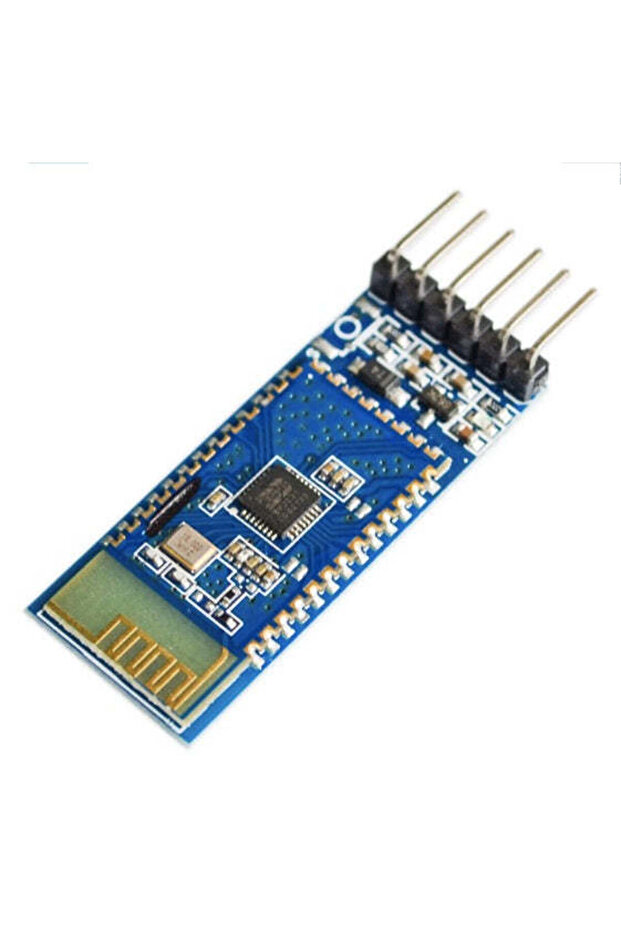
Generic 1D4 HSPP-C JDY-31 Bluetooth serial RF transceiver module
30.00
AED
(incl. VAT)

Free shipping & Delivery
Estimated delivery:

Trendyol's commitments

Shopping security

Secure payment
Privacy protection
Safe delivery
Refund for lost and damaged packages
Coupon for late delivery

Free returns
Easy and free return in 15 days.
Highlighted features:
Generic 1D4 HSPP-C JDY-31 Bluetooth serial RF transceiver module features
Other Features
SPP bluetooth serial protocol support, low-cost, small size, low power consumption, high sensitivity in receiving signals, built-in PCB transceiving antenna, 6 pins (EN, VCC, GND, TXD, RXD, STATE), STATE pin for connection status, built-in LED for connection status
Instructions for Use/Warnings
Only apply for RX pin on the bluetooth module, Arduino boards such as Uno, Nano and Mega board or other microcontrollers output 5V at their I/O pins. You need to use a voltage divider (1K + 2K resistor network) or logic level shifter to step down the 5V signal from microcontroller to 3.3V before feed it into RX pin on bluetooth module. TX pin on the bluetooth module outputs 3.3V signal and Arduino can perceive this voltage as HIGH, so stepping up this signal voltage is not required. TXD : Transmitter pin, this pin must connect to RX pin of next device. RXD: Receiver pin, this pin must connect to TX pin of next device. Bluetooth signal strength can be significantly affected by the surrounding especially the conductivity of surfaces. Installing the bluetooth module within metal enclosures can severely affect the bluetooth signal. Avoid placing metallic object, surfaces or wire near the PCB antenna on the module. It can severely affect the module’s ability to receive signals.
Product details
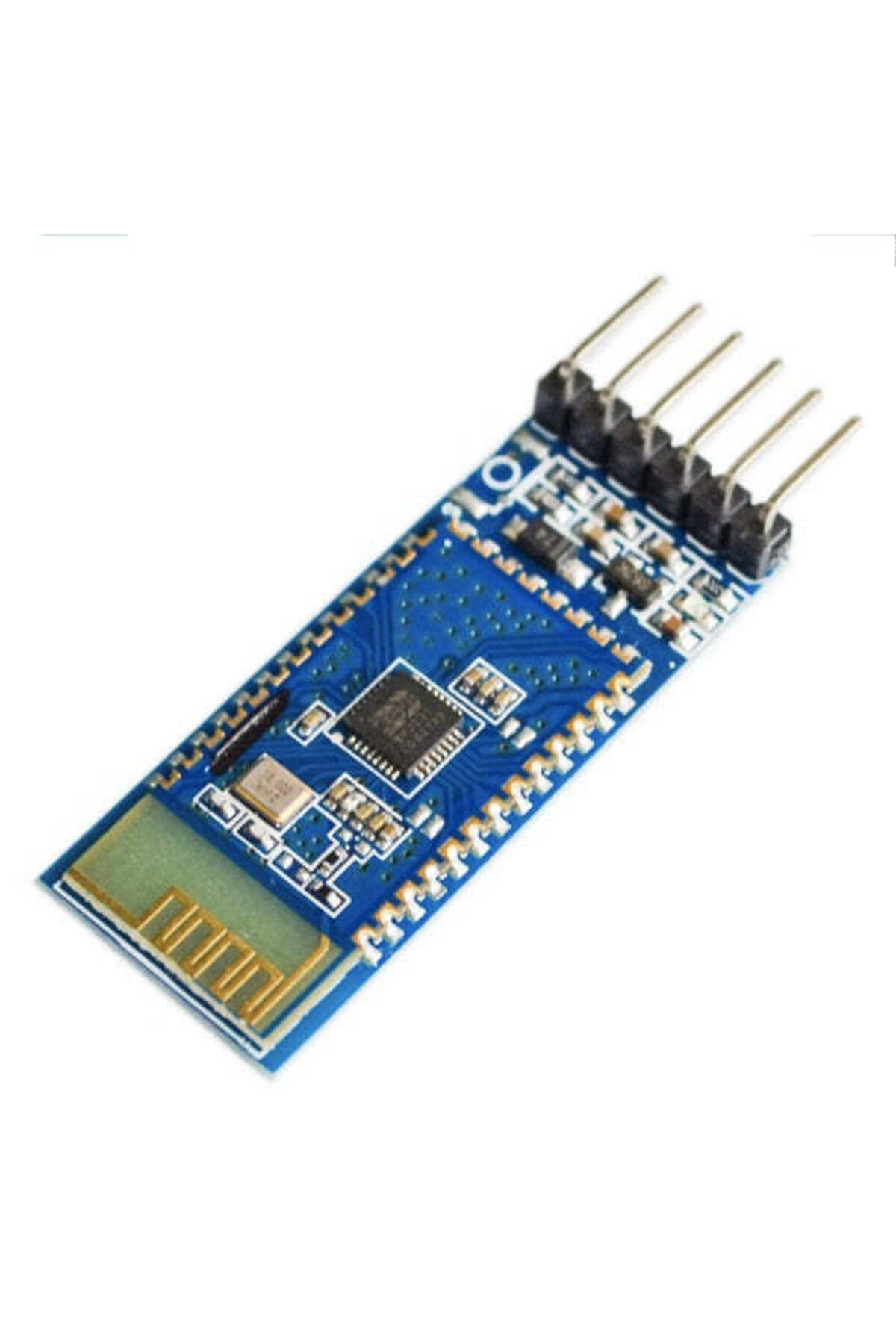
Generic 1D4 HSPP-C JDY-31 Bluetooth serial RF transceiver module features
Other Features
SPP bluetooth serial protocol support, low-cost, small size, low power consumption, high sensitivity in receiving signals, built-in PCB transceiving antenna, 6 pins (EN, VCC, GND, TXD, RXD, STATE), STATE pin for connection status, built-in LED for connection status
Instructions for Use/Warnings
Only apply for RX pin on the bluetooth module, Arduino boards such as Uno, Nano and Mega board or other microcontrollers output 5V at their I/O pins. You need to use a voltage divider (1K + 2K resistor network) or logic level shifter to step down the 5V signal from microcontroller to 3.3V before feed it into RX pin on bluetooth module. TX pin on the bluetooth module outputs 3.3V signal and Arduino can perceive this voltage as HIGH, so stepping up this signal voltage is not required. TXD : Transmitter pin, this pin must connect to RX pin of next device. RXD: Receiver pin, this pin must connect to TX pin of next device. Bluetooth signal strength can be significantly affected by the surrounding especially the conductivity of surfaces. Installing the bluetooth module within metal enclosures can severely affect the bluetooth signal. Avoid placing metallic object, surfaces or wire near the PCB antenna on the module. It can severely affect the module’s ability to receive signals.
Safety information
Product safety information