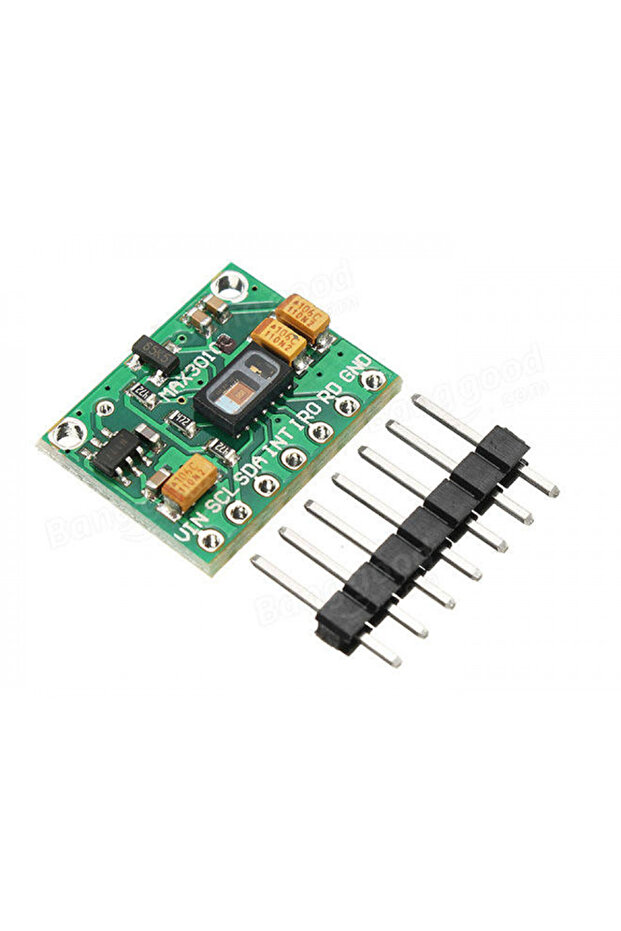
Generic 2A2 MAX30102 Heart Rate Click Sensor RCWL0531
45.00
AED
(incl. VAT)

Free shipping & Delivery
Estimated delivery:

Trendyol's commitments

Shopping security

Secure payment
Privacy protection
Safe delivery
Refund for lost and damaged packages
Coupon for late delivery

Free returns
Easy and free return in 15 days.
Highlighted features:
Generic 2A2 MAX30102 Heart Rate Click Sensor RCWL0531 features
Other Features
Small size, Low power consumption, I2C interface, Green board PCB, Ambient light rejection, Integrated heart rate and SpO2 algorithms
Instructions for Use/Warnings
Instructions for Use: 1. Wiring: Connect I2C (SDA, SCL) to microcontroller (e.g., A4, A5), INT to a digital pin (e.g., D2), VCC to 3.3V, and GND to GND. Ensure I2C lines are pulled up to 3.3V with a resistor. 2. Software: Install 'SparkFun MAX3010X Pulse and Proximity Sensor Library' via Arduino Library Manager. Include necessary libraries in your code. 3. Operation: Place your index finger on the sensor with steady pressure. 4. Troubleshooting/Warnings: If 'MAX30105 was not found', check wiring/power. If IR value is low (<50000), it may indicate 'No finger?'.
Product details
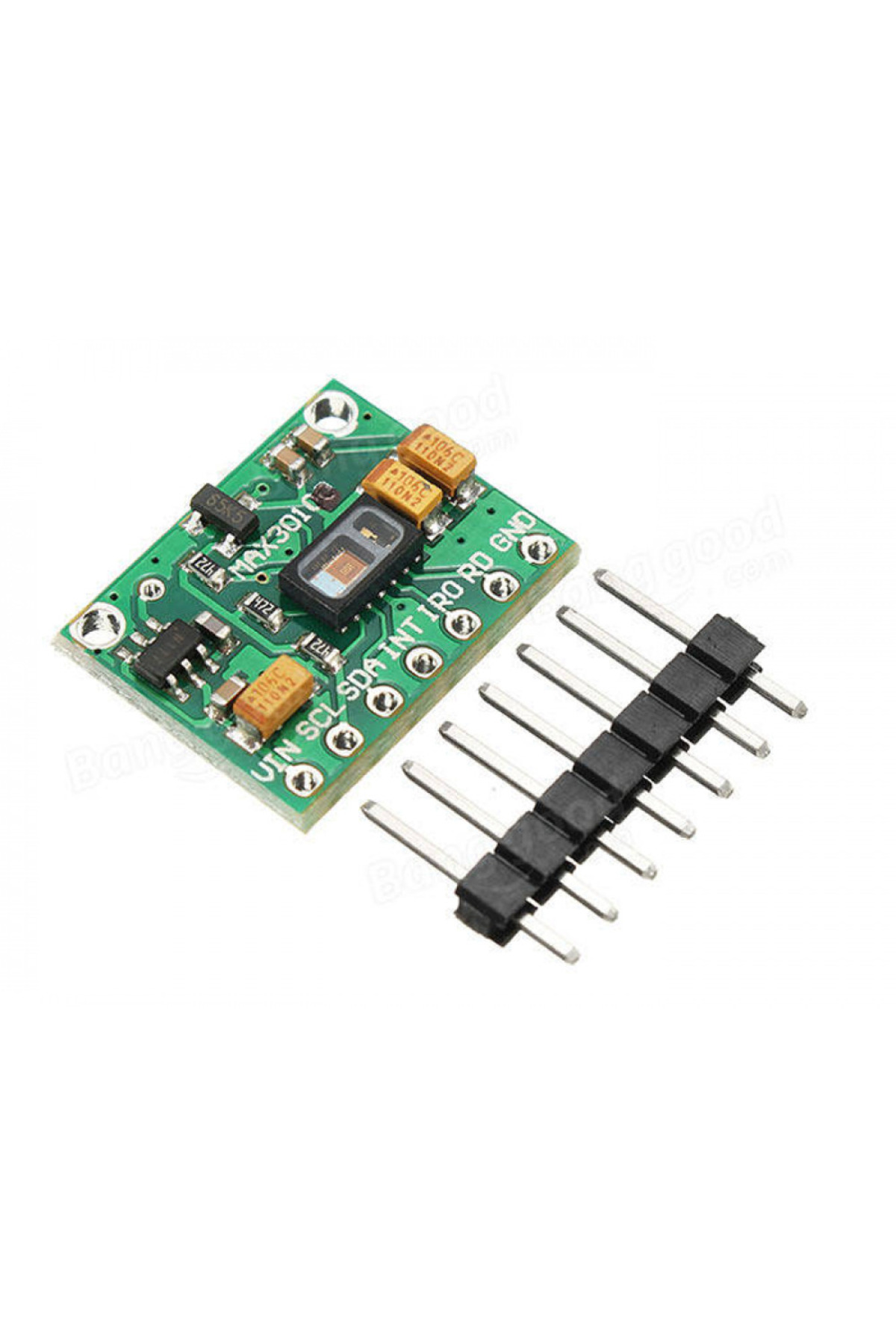
Generic 2A2 MAX30102 Heart Rate Click Sensor RCWL0531 features
Other Features
Small size, Low power consumption, I2C interface, Green board PCB, Ambient light rejection, Integrated heart rate and SpO2 algorithms
Instructions for Use/Warnings
Instructions for Use: 1. Wiring: Connect I2C (SDA, SCL) to microcontroller (e.g., A4, A5), INT to a digital pin (e.g., D2), VCC to 3.3V, and GND to GND. Ensure I2C lines are pulled up to 3.3V with a resistor. 2. Software: Install 'SparkFun MAX3010X Pulse and Proximity Sensor Library' via Arduino Library Manager. Include necessary libraries in your code. 3. Operation: Place your index finger on the sensor with steady pressure. 4. Troubleshooting/Warnings: If 'MAX30105 was not found', check wiring/power. If IR value is low (<50000), it may indicate 'No finger?'.
Safety information
Product safety information