





Trendyol's commitments

Easy and free return in 30 days.


Highlighted features:
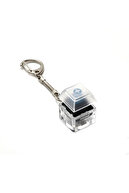
SPELT Mechanical Keyboard Key Switch Cherry Mx Red Red Switch Test Keychain features

Similar items


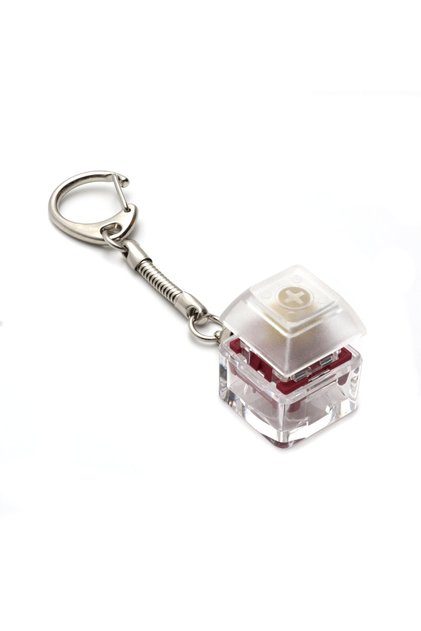
 Outemu Blue and Red Mechanical Switch Key Stress Relief Push Button Test Keychain Keycap



Shoppers also viewed








SPELT Mechanical Keyboard Key Switch Cherry Mx Red Red Switch Test Keychain reviews


Product Q&As

Answer from Spelt
Translated by Google
Answer from Spelt
Translated by Google
Answer from Spelt
Translated by Google
Answer from Spelt
Translated by Google
Answer from Spelt
Translated by Google
Answer from Spelt
Translated by Google

Product details
Product description
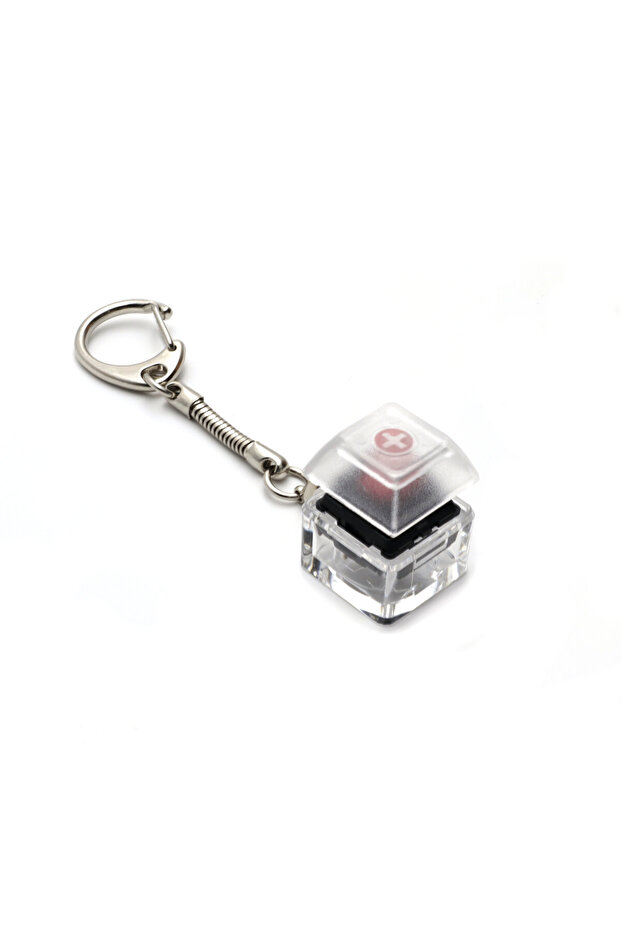
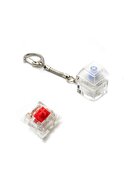
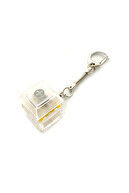
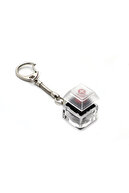
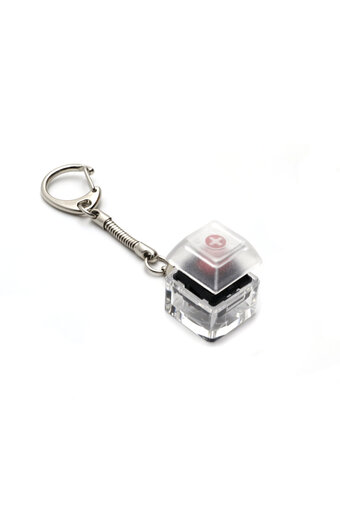
It is a key-shaped keychain that you can test mechanical clave switches. It allows you to relieve stress with its relaxing effect. The switch and key cover are included in the product. Product dimensions: 2 cm width, 2 cm length, 2.5 cm height
package content: 1 piece
it has a cherry mx red (red) switch on it
the switch on the keychain is functional and can be used on your mechanical keyboard.
Additional info
- EU Responsible details are here.
- A maximum of 5 units of this product can be ordered. Trendyol reserves the right to cancel orders over 5 units.
- Sold and fulfilled by .
- Barcode No: 8683851143458
- Origin: CN
SPELT Mechanical Keyboard Key Switch Cherry Mx Red Red Switch Test Keychain features
Safety information
Product description
A keyring shaped like a keycap where you can try out mechanical keyboard switches. It features a fully functional Cherry MX Red switch and a keycap; by pressing the key, you can experience the switch’s smooth, clickless actuation. It’s also a fun little gadget for those who like to fiddle with it and flick it around.
Featured features
- Functioning Cherry MX Red switch; can also be used in your MX-compatible mechanical keyboard.
- The switch and keycap are included with the product.
- Transparent keycap and transparent base: the switch is visible from the inside.
Technical specifications
- Switch: Cherry MX Red (red), linear
- Dimensions: 2 x 2 x 2.5 cm (width x length x height)
- Package contents: 1 switch test keychain (with switch and button cap attached)
Warnings
- Not a toy. Contains small parts; choking hazard. Not suitable for children under 36 months.
Usage note
- If you want to use a switch on your keyboard: On a keyboard with solderless (hot-swap) sockets, the switch can be removed and installed directly; on a soldered keyboard, the old solder must first be removed, and then the new switch must be soldered in place.