
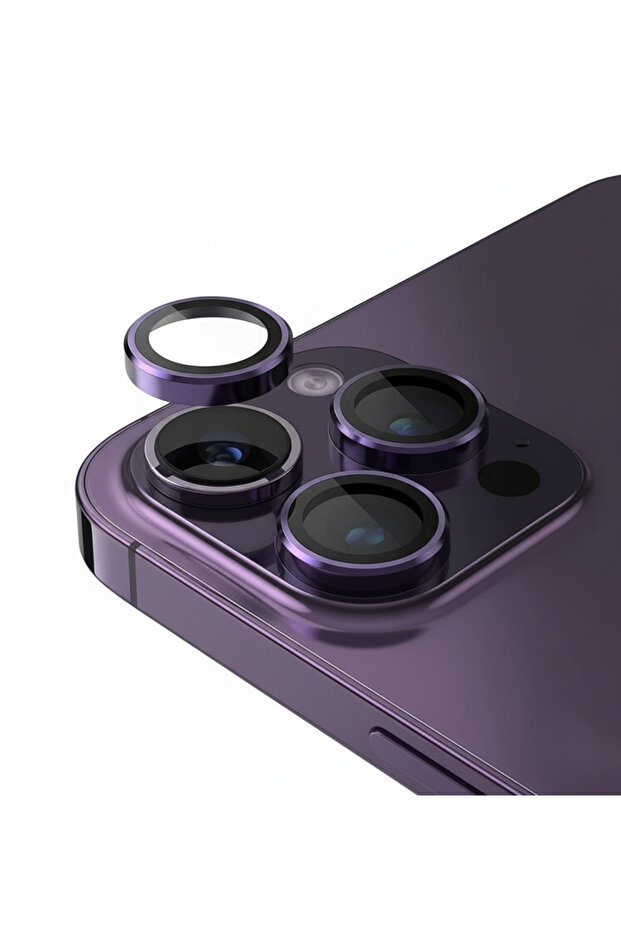

dig 16 Pro / 16 Pro Max iPhone Apple Camera Lens Protector
Only 2 left!
-40%
21.32
AED
35.54
(incl. VAT)

Free shipping & Delivery
Estimated delivery:

Trendyol's commitments

Shopping security

Secure payment
Privacy protection
Safe delivery
Refund for lost packages
Coupon for late delivery

Free returns
Easy and free return in 15 days.
Highlighted features:
dig 16 Pro / 16 Pro Max iPhone Apple Camera Lens Protector features
Compatible Brand
Apple Compatible
Color
Purple
Instructions for Use/Warnings
Clean the Lens Surface: Carefully clean the camera lens using the microfiber cloth or a tissue provided in the box. (Be careful not to leave any dust, dirt, or fingerprints.) Prepare the Protector: Remove the protective film from the back of the lens protector. (Be careful not to touch the adhesive surface.) Align and Place: Carefully place the protector on the camera lens, aligning it perfectly. Gently press down on the center with your finger to remove any air bubbles. Check: Make sure the protector is fully seated. You can test the image quality by turning on the camera.
Origin
CN
Product details
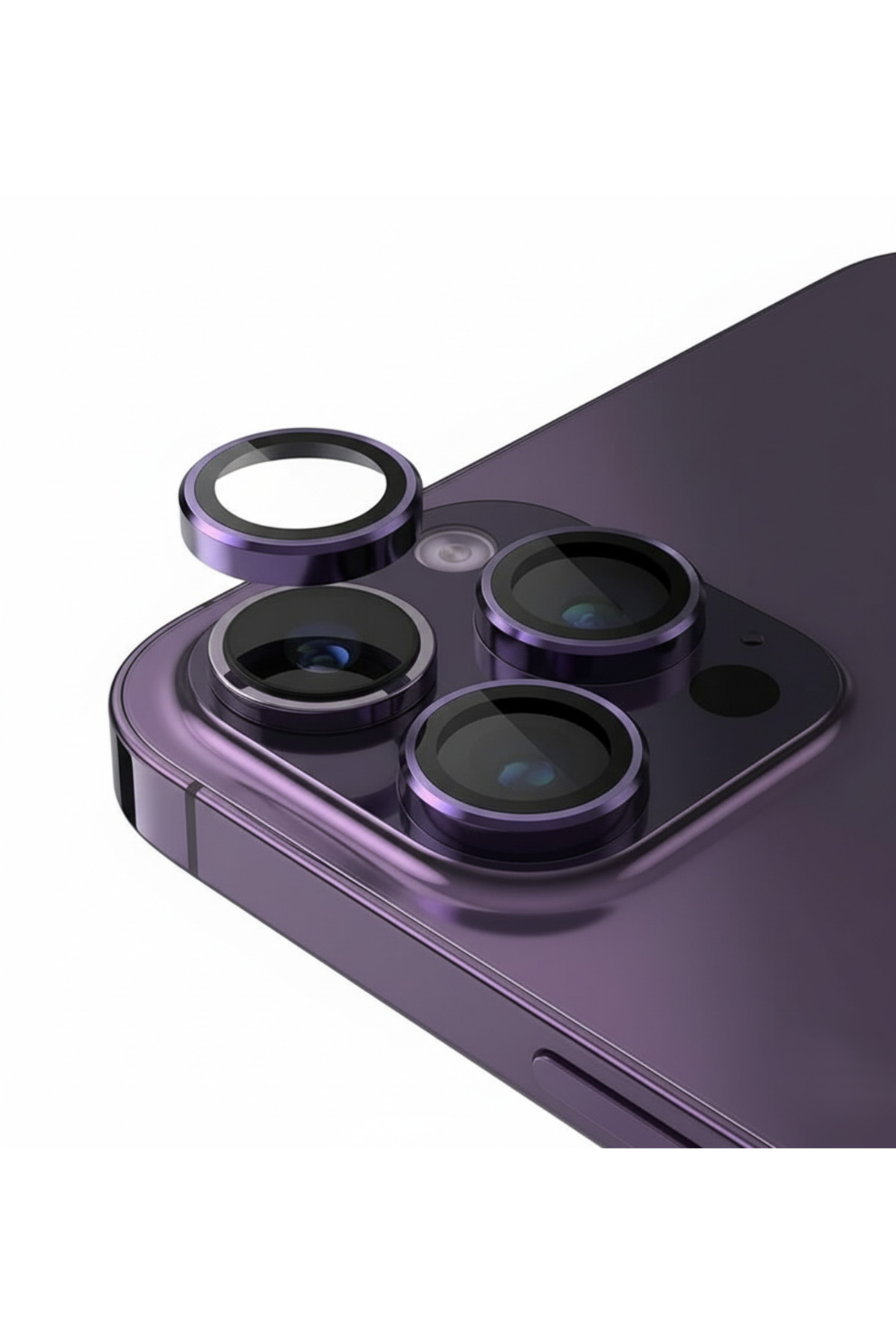
dig 16 Pro / 16 Pro Max iPhone Apple Camera Lens Protector features
Compatible Brand
Apple Compatible
Color
Purple
Instructions for Use/Warnings
Clean the Lens Surface: Carefully clean the camera lens using the microfiber cloth or a tissue provided in the box. (Be careful not to leave any dust, dirt, or fingerprints.) Prepare the Protector: Remove the protective film from the back of the lens protector. (Be careful not to touch the adhesive surface.) Align and Place: Carefully place the protector on the camera lens, aligning it perfectly. Gently press down on the center with your finger to remove any air bubbles. Check: Make sure the protector is fully seated. You can test the image quality by turning on the camera.
Origin
CN